

Alternatives to Caption.IM
Caption.im transforms audio into real-time captions, translations, and summaries on your Mac, enhancing productivity and accessibility effortlessly.
Explore 20 alternatives to Caption.IM. Compare features, pricing, and find the best fit for your needs.

Safe Outreach
AI-powered platform that evaluates the safety of LinkedIn automation tools and helps reduce the risk of account restrictions.

How Long How Many Tool
Timers and hourly checks to figure how out long until a certain time or how many days away.


ButterShare
Send files straight between two browsers with a 6-digit key. No signup, no install, nothing stored on a server.

Emailyy
Free email tools for signatures, subject lines, HTML previews, word counts, and email headers. Browser-based, simple to use, and no signup required.
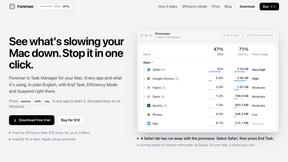
Foreman
See every app and what it's using in plain English, and end or slow down the one that's hogging your Mac.

Uniclip
Clip pages, take full-page screenshots and batch-capture list data to Notion, Feishu, Obsidian, Markdown, CSV or JSON.

TroveKey
Search tabs, Chrome bookmarks and history, run browser commands, and save webpages and social posts locally—no account.
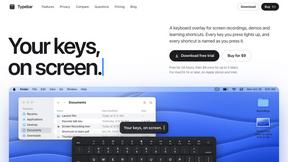
Typebar
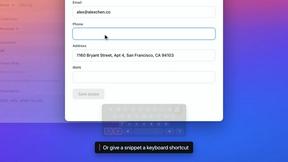
Every key you press lights up on an on-screen keyboard, and each shortcut is named as you press it.
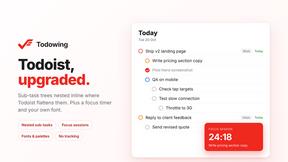
Todowing
Chrome extension that shows nested sub-tasks inline in Todoist's Today, Upcoming, Filters and Labels views. Free tier, $19.99 lifetime unlock.
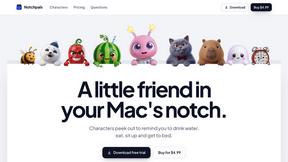
Notchpals
Little characters peek out of your Mac's notch to remind you to drink water, eat, sit up and get to bed. Quiet during calls. $4.99 once.


Everywhere
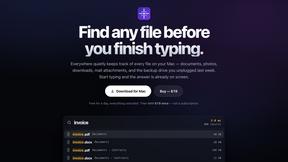
Fast file search for the Mac. Results as you type, files inside Mail and Photos, works with Wi-Fi off. $19 once.

Basalt
Eighteen PDF tools in one native Mac window: merge, split, compress, OCR, Bates numbering, forms, signing and redaction. Offline. $29 once.

Voice Keyboard Pro
Hold a key, say what you mean, let go. Clean, punctuated text lands at the cursor in any app on your Mac or iPhone.

Mainspring
Mainspring turns the settings macOS hides into 90+ one-click, fully reversible power-ups for Finder, Dock, screenshots and more. $29 once.
Crumb
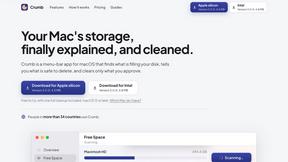
A Mac menu bar app for a full disk. See what is using your space, read whether it comes back on its own, and remove only what you tick.

About Caption.IM Alternatives
Caption.IM is a cutting-edge AI-powered captioning assistant designed for macOS, specializing in transforming audio into real-time captions, translations, and summaries. As part of the productivity and management category, it excels in enhancing communication and accessibility across various applications, including Zoom, Google Meet, and online courses. Users often seek alternatives to Caption.IM due to factors such as pricing, specific feature requirements, or platform compatibility. Whether it’s for budget considerations or the need for unique functionalities, finding the right solution can significantly impact user experience and workflow. When searching for alternatives, it’s essential to evaluate several key aspects. First, consider the pricing structure and whether it fits within your budget. Next, assess the features offered, such as transcription accuracy, language support, and additional functionalities like note-taking or summarization. Lastly, ensure that the chosen alternative meets your platform needs, whether it operates seamlessly on macOS or other operating systems, to guarantee an efficient and user-friendly experience.
FAQs about Caption.IM Alternatives
What is Caption.IM?
Caption.IM is a real-time AI captioning assistant specifically designed for macOS. It converts audio into live captions, facilitates instant translations, and generates structured meeting notes, all while ensuring user privacy. The application captures system audio directly, making it compatible with various platforms such as Zoom, Google Meet, and YouTube.
Who is Caption.IM for?
Caption.IM is ideal for professionals, educators, and anyone who requires effective communication tools to enhance accessibility. It caters to users who engage in virtual meetings, online courses, or content creation, providing them with real-time captions and translations to improve understanding and retention. Its privacy-first approach also appeals to users concerned about data security.
Is Caption.IM free?
Caption.IM is not a free application; it operates on a subscription model that reflects its advanced features and capabilities. Users can choose from different pricing plans based on their needs and usage preferences. By investing in Caption.IM, users gain access to a powerful tool that boosts productivity and enhances communication.
What are the main features of Caption.IM?
The main features of Caption.IM include real-time captioning of audio, instant translation of multilingual content, and the ability to record important audio. Additionally, it can transform lengthy discussions into clear summaries, key points, and mind maps, facilitating better understanding and collaboration. The application is designed to operate locally on macOS, ensuring privacy and data security.