
3DAIStudio
Transform your ideas into stunning 3D models in seconds with 3DAIStudio's effortless text and image conversion tools.
Visit
About 3DAIStudio
3DAIStudio is an innovative AI-powered toolkit that streamlines the creation of high-quality 3D models from simple text prompts or uploaded images. Designed for designers, developers, and creatives alike, this groundbreaking software allows users to unleash their creativity without the need for extensive 3D modeling experience. With just a few clicks, you can transform ideas into stunning, production-ready assets in seconds. 3DAIStudio is not just a tool, but a complete ecosystem for 3D content creation, providing features such as texturing, optimization, and a comprehensive API for seamless integration into existing workflows. As the demand for 3D assets continues to grow across industries like gaming, film, and VR/AR, 3DAIStudio positions itself as a game-changer, empowering over a million creators to bring their visions to life faster and more efficiently than ever before.
Features of 3DAIStudio
Text to 3D
The Text to 3D feature allows users to generate intricate 3D models from descriptive text prompts in mere seconds. By simply typing a detailed description, users can receive high-quality, textured models that are ready for use in various applications, from gaming to virtual reality.
Image to 3D
With the Image to 3D functionality, you can transform any 2D image, sketch, or illustration into a striking 3D model instantly. This feature streamlines the asset creation process by allowing artists to upload reference images and receive textured, export-ready 3D models without extensive manual work.
AI Texturing
The AI Texturing tool simplifies the process of applying realistic textures to your 3D models. Users can generate physically-based rendering (PBR) materials from text prompts or paint custom details directly onto their models, enhancing the realism and quality of their creations effortlessly.
Quad Remeshing
Quad Remeshing optimizes mesh topology for production-ready assets by automating the retopology process. This feature cleans up geometry, reduces polygon counts, and generates levels of detail (LODs), ensuring that your models are not only visually appealing but also efficient for performance in various applications.
Use Cases of 3DAIStudio
Game Development
In the realm of game development, 3DAIStudio accelerates the asset creation process, enabling developers to generate unique character models, environments, and props quickly. This efficiency allows teams to focus more on gameplay mechanics and storytelling rather than getting bogged down in asset production.
Film Production
Film studios can benefit immensely from 3DAIStudio by rapidly generating 3D assets for animations, visual effects, or set designs. This capability not only saves time but also enhances creative possibilities, allowing filmmakers to visualize concepts that might have been too costly or time-consuming to create manually.
3D Printing
For designers in 3D printing, 3DAIStudio provides an easy way to create detailed models that are ready for printing. Users can create prototypes or custom designs quickly, facilitating rapid iterations and reducing the time from concept to physical product.
Virtual and Augmented Reality
In the fast-evolving fields of virtual and augmented reality, 3DAIStudio enables creators to produce immersive 3D environments and objects swiftly. This capability is crucial for developing engaging experiences that are visually rich and interactive, allowing users to explore new dimensions of creativity.
Frequently Asked Questions
How does 3DAIStudio generate models from text or images?
3DAIStudio uses advanced AI algorithms to interpret text descriptions or images and convert them into detailed 3D models. This process involves analyzing prompts and reference images to generate accurate, high-quality assets.
Do I need prior 3D modeling experience to use 3DAIStudio?
No, 3DAIStudio is designed for users of all skill levels. Its intuitive interface and powerful AI capabilities make it accessible for beginners while still being robust enough for experienced professionals.
What types of files can I export from 3DAIStudio?
3DAIStudio allows users to export 3D models in various formats compatible with major platforms and engines, including Unity, Unreal Engine, and Three.js, ensuring seamless integration into your projects.
Is there a community or support for 3DAIStudio users?
Yes, 3DAIStudio boasts a vibrant community of creators who share tips, tutorials, and support. Additionally, users can access comprehensive documentation and customer support to help them maximize their experience with the product.
Similar to 3DAIStudio
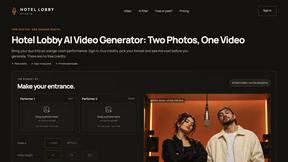
Hotel Lobby Studio
Discover a focused AI studio for original adult duet videos or duo portraits, with paid credits and MP4 clips.
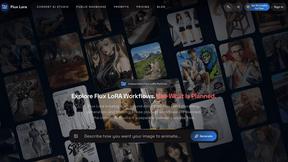
Flux Lora
Explore browser-based Flux LoRA AI workflows, with online discovery, generation, and training roadmap features for creators and teams.
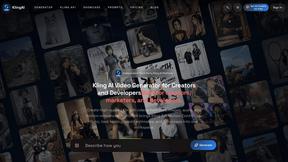
TryKlingAI
Kling AI video generation from text, images, audio, and motion references with Kling 3.0 workflows.
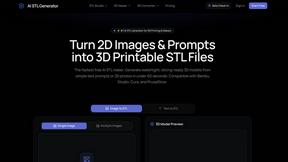
AI STL Generator
The fastest AI STL generator to turn prompts and images into 3D printable STL files.
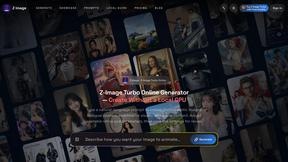
Z Image Turbo
Fast, controllable Z Image generation for photorealistic visuals, posters, and ecommerce content.
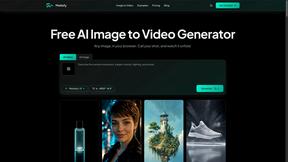
Motiofy
Motiofy is an AI creative workspace that helps creators and teams turn ideas into polished visual stories.
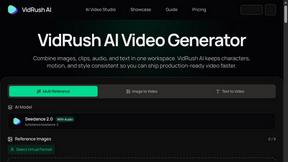
VidRush AI
AI-powered long video generator. Create multi-modal AI videos by combining images, video, audio, and text.
