

Alternatives to Sprite-AI
Sprite-AI turns your ideas into game-ready pixel sprites in seconds with no drawing skills required.
Explore 20 alternatives to Sprite-AI. Compare features, pricing, and find the best fit for your needs.
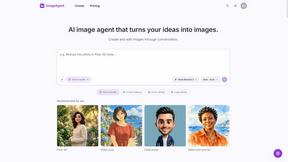
ImageAgent
Create and edit AI images through conversation, using text or reference images and refining results in chat.

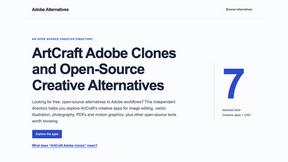
Adobe Alternatives
Explore open-source creative software by workflow, platform and development stage, with comparisons and official project links.
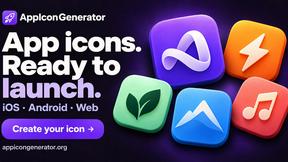
AppIconGenerator
Generate iOS and Android app icons from any image and export all platform sizes for free.
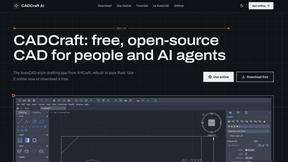
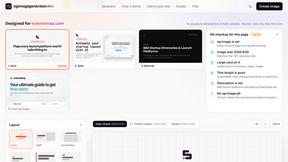
ogimagegenerator.dev
Paste a URL and AI designs on-brand Open Graph images from your page's colours, fonts and logo. Free, no sign-up.
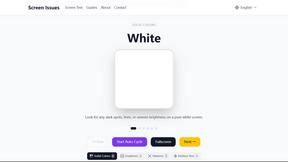
Screen Issues
Free Online Screen Test Tool - Instantly diagnose dead pixels, lines, color issues, and flickering. Multiple test modes, no download needed.
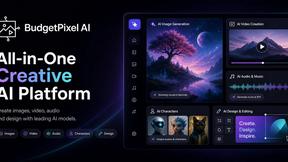
Budgetpixel AI
Create and edit AI images, videos, music, and designs in one workspace, with multiple models, reusable characters, and API access.
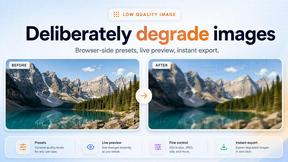
Low Quality Image
Make any image look intentionally low quality with pixelate, blur, compression and glitch effects, all in your browser with no uploads.
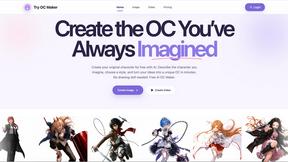
Try OC Maker
Create OCs from text or images, customize their look, and turn them into animated videos with AI.
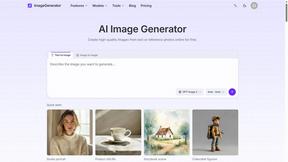
ImageGenerator
Create and edit AI images online with multiple models, text-to-image, image-to-image, background removal, and upscaling.
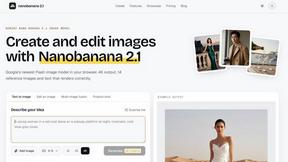
nanobanana 21
A fast, simple image studio powered by Nano Banana 2.1. Create and edit high-quality images with accurate details and readable text.
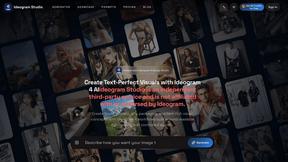
Ideogram Studio
Create text-rich logos, posters, ads, packaging, and ecommerce visuals with Ideogram 4 AI workflows and guided prompts.

Qwen Image Edit
Browser-based AI image editing and generation with natural-language instructions for backgrounds, text, products, posters, and creative visuals.
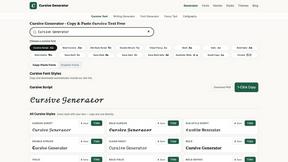
Cursive Text Generator
Cursive Text Generator is a free online tool for creating stylish cursive fonts and copy-paste text for social media, names, bios and more.
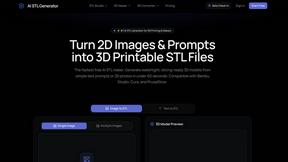
AI STL Generator
The fastest AI STL generator to turn prompts and images into 3D printable STL files.
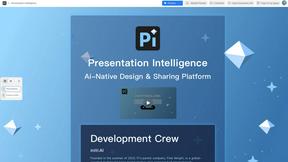
Presentation Intelligence
AI-native presentation and visual content platform that turns prompts, documents, images, videos, and data into polished, shareable decks.

About Sprite-AI Alternatives
Sprite-AI is a specialized AI-powered pixel art generator that sits squarely in the design tools category, built specifically for indie game developers, hobbyists, and rapid prototypers who need high-quality 2D assets without spending hours drawing. By simply describing a sprite in plain English, users can instantly generate clean, game-ready pixel art in standard sizes like 32x32 or 128x128, making it a powerful accelerator for early-stage game development and creative iteration. However, many users begin searching for alternatives when they hit scaling bottlenecks—perhaps the token-based pricing model becomes costly for large projects, or they need deeper animation support, vector-to-pixel workflows, or broader integration with non-Unity engines. Others may simply want a flat subscription or a one-time purchase model rather than pay-per-generation tokens. When evaluating alternatives, focus on three core criteria: pricing flexibility that matches your production volume, the quality and editability of the generated sprites, and the depth of post-generation tools. Look for platforms that offer transparent pricing—whether subscription, freemium, or credit-based—so you can scale without surprise costs. Equally important is the ability to fine-tune outputs; a built-in pixel editor with layers, color palettes, and export options for your specific game engine can save hours of manual cleanup. Finally, consider the community and learning resources available; a strong prompt library, gallery of examples, and responsive support can dramatically reduce your time to a polished asset.
FAQs about Sprite-AI Alternatives
What is Sprite-AI?
Sprite-AI is an AI-powered pixel art generator that allows users to create game-ready 2D sprites by simply describing them in plain English. It produces clean pixel art in standard sizes such as 32x32, 64x64, or 128x128, and includes a built-in pixel editor for fine-tuning. The platform is designed for indie developers, hobbyists, and prototypers who need fast asset creation without manual drawing.
Who is Sprite-AI for?
Sprite-AI is built for indie game developers, hobbyists, and rapid prototypers who require quick, high-quality 2D pixel art assets for their projects. It is especially useful for teams or individuals working in engines like Unity, Godot, GameMaker, or Unreal who need to iterate on characters, items, icons, and boss art without a dedicated artist. The tool also serves designers looking to explore pixel art styles without a steep learning curve.
Is Sprite-AI free?
Sprite-AI operates on a token-based pricing model, meaning users only pay for what they generate rather than a flat subscription fee. There may be a free tier or trial tokens available to test the platform, but for ongoing or high-volume use, users purchase token packs. This pay-as-you-go approach is designed to scale with your project’s needs, from a single prototype to a full game asset library.
What are the main features of Sprite-AI?
Sprite-AI’s core features include text-to-pixel-art generation for roles like icons, items, characters, and hero or boss art, with outputs at 32x32, 64x64, or 128x128 pixels. It also includes a built-in pixel editor with paint, erase, fill, and color-pick tools for precise refinement. Generated sprites export as transparent PNG files compatible with major game engines, and the platform offers a community gallery and prompt guides to inspire and accelerate your workflow.