
Low Quality Image
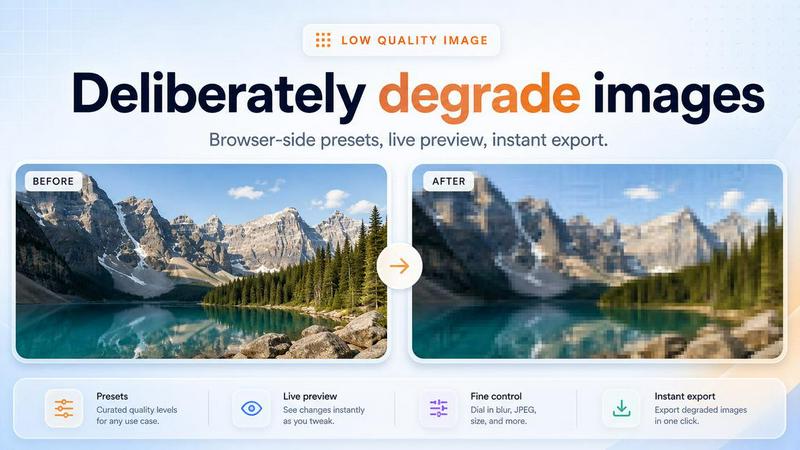
Make any image look intentionally low quality with pixelate, blur, compression and glitch effects, all in your browser with no uploads.
VisitPublished on:
October 20, 2026
Pricing:
About Low Quality Image
Low Quality Image is a focused browser tool for making pictures look intentionally worse: pixelate, blur, add JPEG artifacts, shift colors and glitch effects, all processed locally so files never leave your device. Perfect for meme makers who want that washed-out, over-compressed look on purpose. No accounts, no upload queues, no server round trips, just open the page, drop an image and export. Built for creators who need fast, repeatable low quality image effects for memes, thumbnails and social posts.
Similar to Low Quality Image
Nano AI
Create and edit AI images, generate videos, and compare models in one creative workbench.
ogimagegenerator.dev
Paste a URL and AI designs on-brand Open Graph images from your page's colours, fonts and logo. Free, no sign-up.
Screen Issues
Free Online Screen Test Tool - Instantly diagnose dead pixels, lines, color issues, and flickering. Multiple test modes, no download needed.
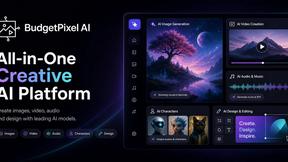
Budgetpixel AI
Create and edit AI images, videos, music, and designs in one workspace, with multiple models, reusable characters, and API access.

Tip Toe AI
Upload a Dancer photo and a Partner photo and get your own AI Tip Toe barn-dance video. Free 5s preview, 12s HD from $4.90. No subscription.
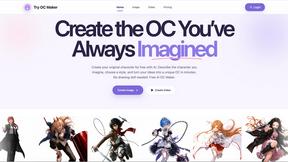
Try OC Maker
Create OCs from text or images, customize their look, and turn them into animated videos with AI.
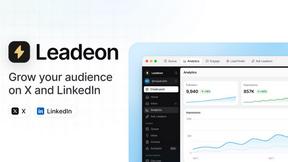
Leadeon
AI growth tool for X and LinkedIn: write posts in your voice, schedule at your best times, find leads on X and see what works.
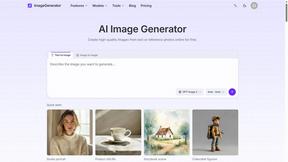
ImageGenerator
Create and edit AI images online with multiple models, text-to-image, image-to-image, background removal, and upscaling.