
Ultimate Forms
Ultimate Forms empowers you to effortlessly create no-code SharePoint solutions with flexible forms and smart.
Visit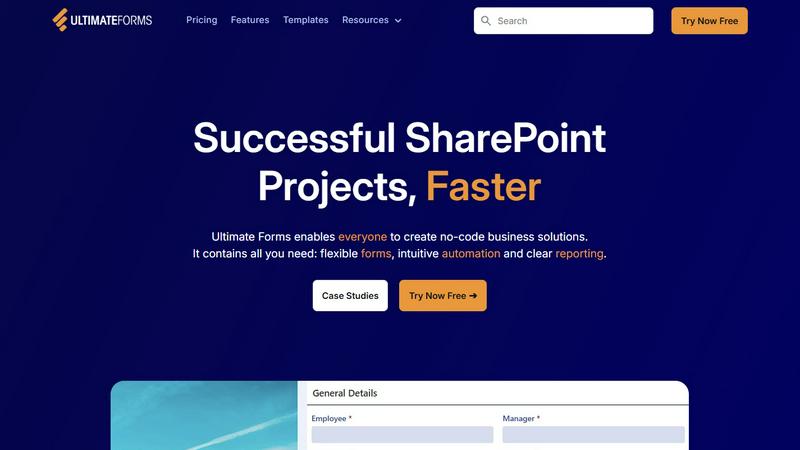
About Ultimate Forms
Ultimate Forms is the leading no-code platform designed to revolutionize business application development within Microsoft SharePoint and Microsoft 365. Its core mission is to democratize the creation of powerful solutions, allowing everyone—from business users to IT administrators—to design, automate, and scale complex processes without the need for coding. By transforming SharePoint into a dynamic application engine, Ultimate Forms effectively bridges the gap between business needs and technical execution. This platform accelerates project delivery, minimizes reliance on limited developer resources, and empowers organizations to adapt their digital tools swiftly in response to evolving business demands. With seamless integration into the Microsoft ecosystem, Ultimate Forms ensures that all data and workflows remain secure within a trusted environment while unlocking enterprise-grade capabilities such as dynamic forms, intuitive automation, and insightful reporting. It serves as a catalyst for organizations eager to maximize their SharePoint investments and drive operational efficiency.
Features of Ultimate Forms
Flexible Forms
Ultimate Forms offers modern, responsive forms that enhance user experience with features like tabs, section and column permissions, dynamic rules, and electronic signatures. This flexibility ensures that all data remains securely stored within SharePoint while improving data quality and simplifying business processes.
Intuitive Automation
The platform replaces complex SharePoint and Power Automate workflows with simple yet versatile Actions. These allow users to create and update data both inside SharePoint and in various integrated applications, including Exchange and Teams, thereby reducing the learning curve and empowering more team members to manage business solutions.
Clear Reporting
Ultimate Forms provides robust reporting capabilities that transform data into actionable insights. Users can create detailed shareable reports, dashboards, KPIs, and charts, enabling everyone in the organization to visualize important information, enhancing responsiveness and accountability.
Pre-built Solution Templates
With a vast library of pre-built templates, Ultimate Forms allows users to easily create, replicate, and distribute forms and business solutions. Users can build once and deploy multiple times across various sites and tenants, streamlining development processes and saving valuable time.
Use Cases of Ultimate Forms
Project Management
Ultimate Forms can be utilized for comprehensive project management, enabling teams to track customers, projects, tasks, and work hours efficiently. This centralized system enhances collaboration and keeps everyone aligned on project goals.
HR Recruitment
The platform offers a multi-stage portal for HR teams to process, evaluate, and hire candidates seamlessly. This structured approach improves tracking of applicants and enhances the recruitment workflow, making hiring decisions faster and more effective.
Leave Request Management
Ultimate Forms simplifies the management of employee leave requests. By automating the approval process, organizations can streamline workflows, minimize paperwork, and ensure that all leave requests are handled in a timely manner.
Asset Tracking
Ultimate Forms can be leveraged for effective asset tracking within organizations. By creating forms tailored for inventory management, businesses can easily monitor their assets, resulting in better resource allocation and management.
Frequently Asked Questions
What makes Ultimate Forms a no-code solution?
Ultimate Forms is designed for users of all technical skill levels. It enables anyone to create and automate business applications without writing any code, making it accessible and easy to use.
How does Ultimate Forms integrate with Microsoft SharePoint?
Ultimate Forms seamlessly integrates with Microsoft SharePoint and the broader Microsoft 365 ecosystem, allowing users to leverage existing data and workflows while ensuring that all information remains secure within their trusted environment.
Can I customize forms and templates in Ultimate Forms?
Yes, Ultimate Forms allows for extensive customization. Users can create forms and templates tailored to their specific business needs, ensuring that all solutions align perfectly with their organizational processes.
What kind of support does Ultimate Forms offer?
Ultimate Forms provides robust technical support, ensuring that users have the resources they need to effectively utilize the platform. The support team is known for being responsive and knowledgeable, helping users navigate any challenges they encounter.